
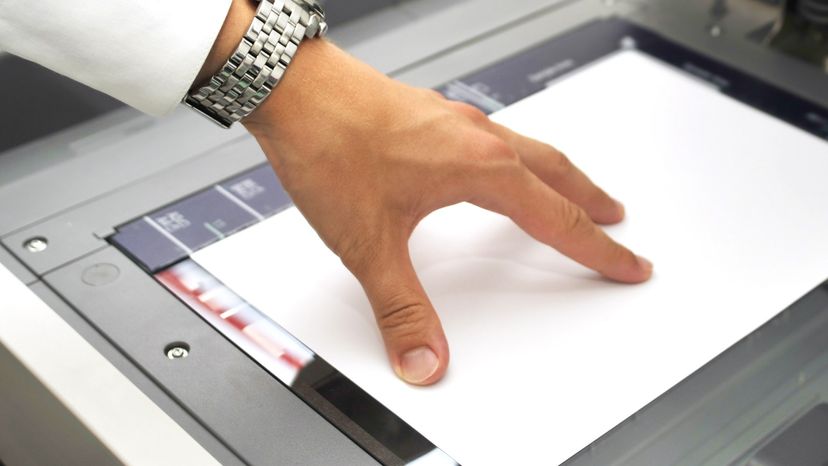
Scanners have become an important part of the home office over the last few years. Scanner technology is everywhere and used in many ways:
- Flatbed scanners, also called desktop scanners, are the most versatile and commonly used scanners. In fact, this article will focus on the technology as it relates to flatbed scanners.
- Sheet-fed scanners are similar to flatbed scanners except the document is moved and the scan head is immobile. A sheet-fed scanner looks a lot like a small portable printer.
- Handheld scanners use the same basic technology as a flatbed scanner, but rely on the user to move them instead of a motorized belt. This type of scanner typically does not provide good image quality. However, it can be useful for quickly capturing text.
- Drum scanners are used by the publishing industry to capture incredibly detailed images. They use a technology called a photomultiplier tube (PMT). In PMT, the document to be scanned is mounted on a glass cylinder. At the center of the cylinder is a sensor that splits light bounced from the document into three beams. Each beam is sent through a color filter into a photomultiplier tube where the light is changed into an electrical signal.
The basic principle of a scanner is to analyze an image and process it in some way. Image and text capture (optical character recognition or OCR) allow you to save information to a file on your computer. You can then alter or enhance the image, print it out or use it on your Web page.
Advertisement
In this article, we'll be focusing on flatbed scanners, but the basic principles apply to most other scanner technologies. You will learn about the different types of scanners, how the scanning mechanism works and what TWAIN means. You will also learn about resolution, interpolation and bit depth.
On the next page, you will learn about the various parts of a flatbed scanner.