The Internet has been around for more than 30 years in one form or another. For the first couple of decades of existence, the Internet was mostly textual and required a certain knowledge of the commands used to interact with a remote computer. The creation of the hypertext markup language (HTML) and the World Wide Web (WWW) led to an incredible explosion of growth. The Web opened the Internet up to everyone by making it easier to use. The key to the Web's usability is that it is visual and provides for an intuitive point-and-click interface.
While the Internet has grown from an obscure research tool to an integral part of most people's lives, the medium has not changed significantly since the introduction of HTML. There have been improvements in the tools and the presentation, as well as a steady increase in the speed of our connections to the Internet. But the basic concept of flat pages that you click between has not changed. While there have been attempts to create a more interactive and visual Internet experience, each one has failed. This has been mainly because of the need for high-speed connections to download the large amounts of data needed to create a detailed environment.
Advertisement
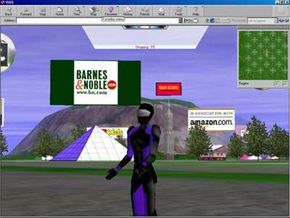
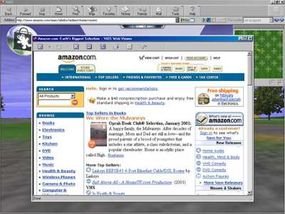
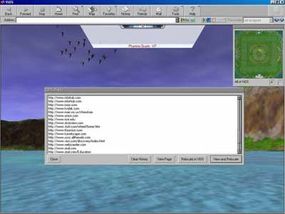
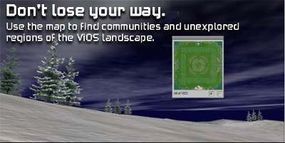
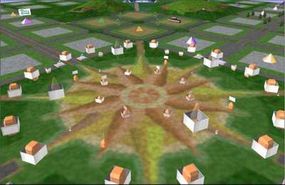
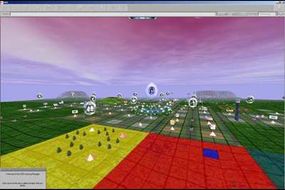
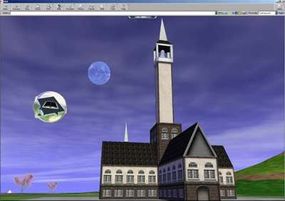
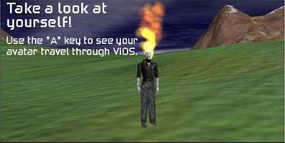
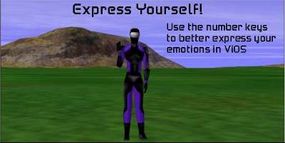
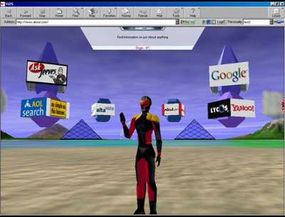
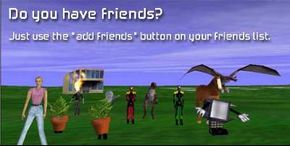
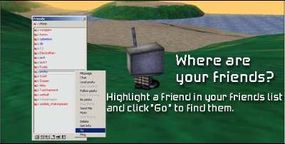
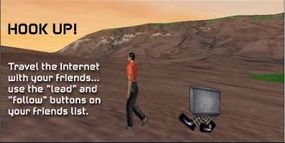
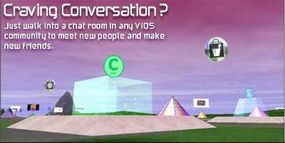
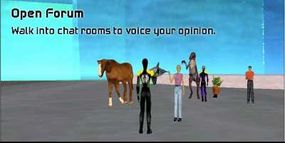
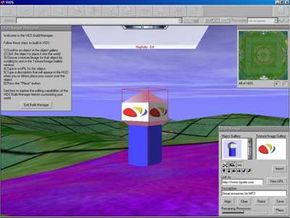
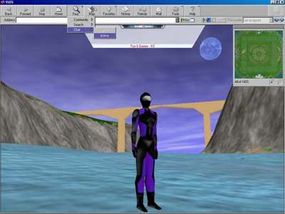
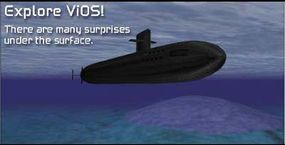
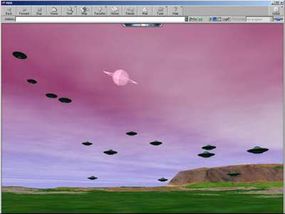
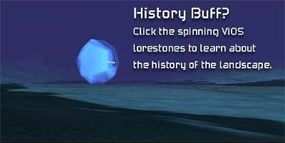
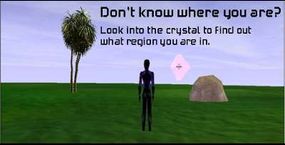
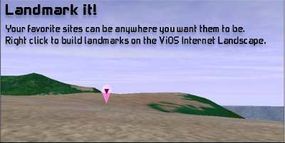
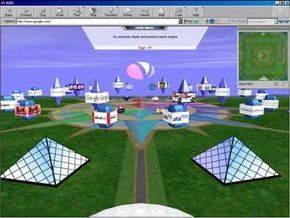
ViOS plans to change the way we view the Internet with a radical new approach. ViOS, which stands for Visual Internet Operating System, has created a multi-part system that combines a software application that resides on your computer with dedicated servers operated by ViOS. Reminiscent of 3-D games like "Quake" or "Tomb Raider," the ViOS software maintains all of the necessary graphics and texture information on your computer. It uses a sophisticated rendering engine to build the 3-D world you travel through in real-time.
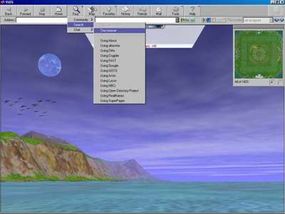
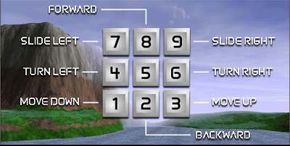
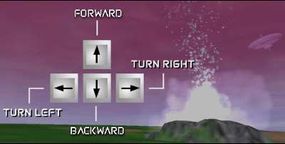
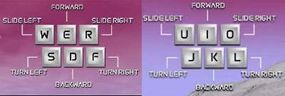
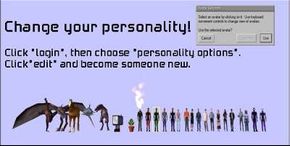
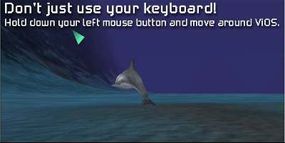
In this edition of HowStuffWorks, you will learn about the ViOS world and how it came about. You will also learn about proximity caching, moving around in ViOS, avatars and leasing.
Advertisement