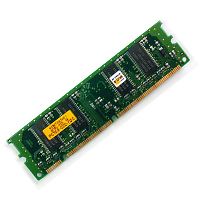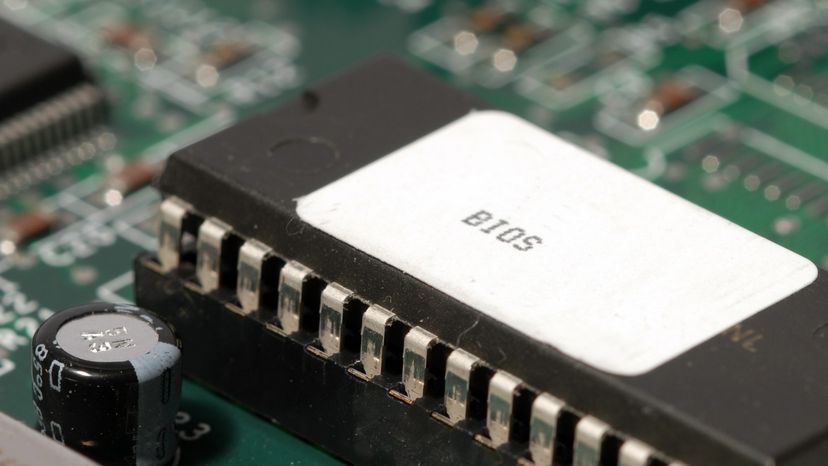
One of the most common uses of Flash memory is for the basic input/output system of your computer, commonly known as the BIOS (pronounced "bye-ose"). On virtually every computer available, the BIOS makes sure all the other chips, hard drives, ports and CPU function together.
Every desktop and laptop computer in common use today contains a microprocessor as its central processing unit. The microprocessor is the hardware component. To get its work done, the microprocessor executes a set of instructions known as software (see How Microprocessors Work for details). You are probably very familiar with two different types of software:
Advertisement
- The operating system - The operating system provides a set of services for the applications running on your computer, and it also provides the fundamental user interface for your computer. Windows 98 and Linux are examples of operating systems. (See How Operating Systems Work for lots of details.)
- The applications - Applications are pieces of software that are programmed to perform specific tasks. On your computer right now you probably have a browser application, a word processing application, an e-mail application and so on. You can also buy new applications and install them.
It turns out that the BIOS is the third type of software your computer needs to operate successfully. In this article, you'll learn all about BIOS -- what it does, how to configure it and what to do if your BIOS needs updating.